The Frustration of Keyboard 'Fn' Keys
The 'Fn' key on keyboards can be frustrating to use, with many users preferring traditional function keys. Learn why and how to use function keys without the 'Fn' key.
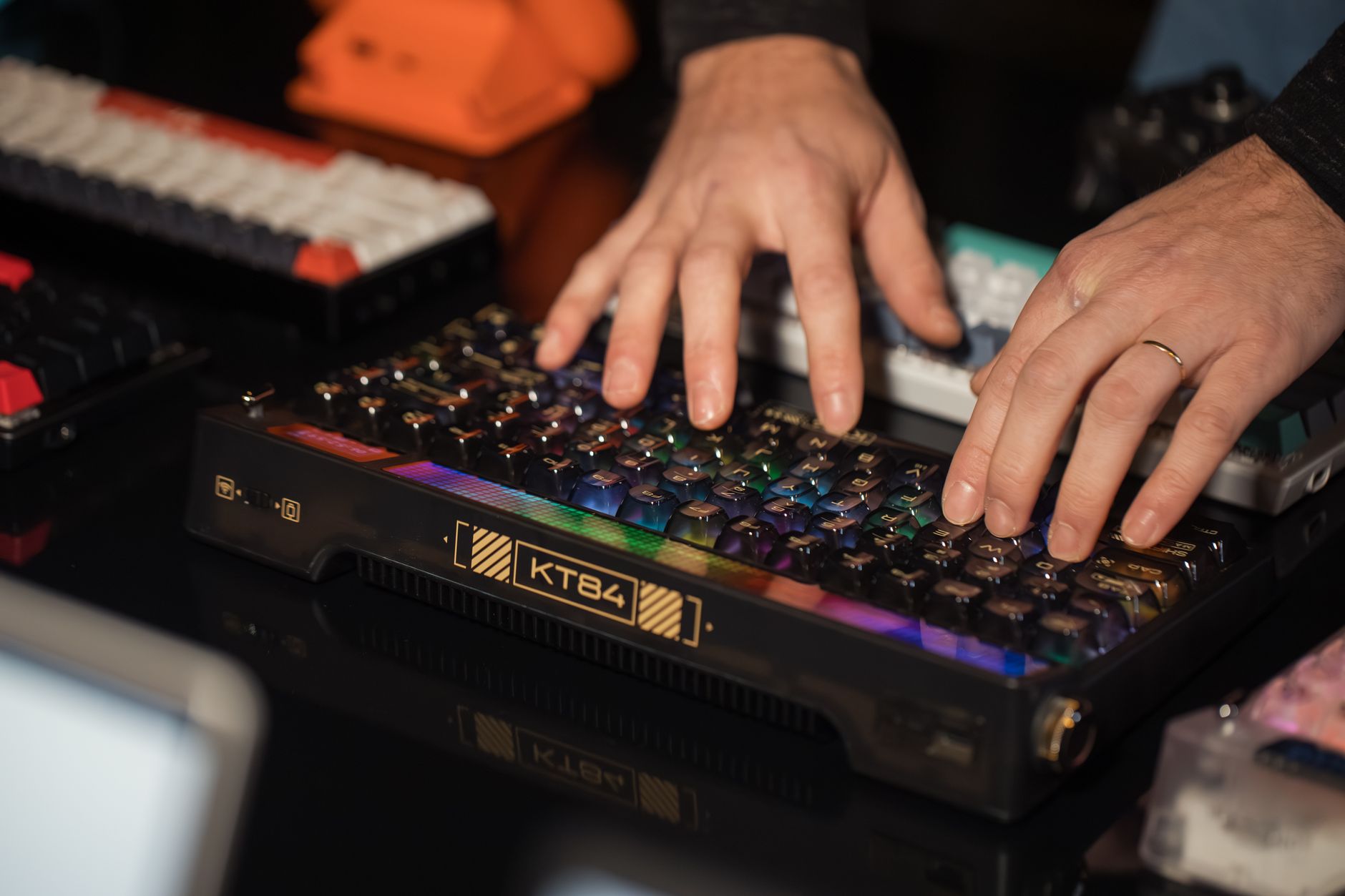
The 'Fn' key on keyboards has been a source of frustration for many users, who prefer the traditional function keys. A recent post on Hacker News highlighted the issue, with the author expressing their dislike for the 'Fn' key and the problems it causes. The 'Fn' key can be particularly annoying when it overrides the traditional function of the F1-F12 keys, making it difficult to use them without pressing the 'Fn' key. ## What happened The author of the post on Hacker News discussed their experience with a wireless keyboard that had a dozen extra functions, which were accessed by pressing the 'Fn' key. However, the author found that the 'Fn' key often got in the way, and they had to press it every time they wanted to use the F1-F12 keys for their traditional functions. The author also mentioned that some keyboards, such as the WASD Code and the Keychron K10, got it right by making the 'Fn' key optional or by having a lock feature that allowed the user to switch between the traditional function keys and the special functions. ## Why it matters The 'Fn' key can be a major source of frustration for keyboard users, particularly those who use the F1-F12 keys frequently. The problem is that the 'Fn' key can override the traditional function of these keys, making it difficult to use them without pressing the 'Fn' key. This can be especially annoying when the user is trying to perform a task that requires the use of multiple function keys.
- The 'Fn' key can provide access to additional functions that are not available on traditional keyboards.
- Some keyboards have a lock feature that allows the user to switch between the traditional function keys and the special functions.
- The 'Fn' key can be useful for users who need to access special functions frequently.
- The 'Fn' key can be annoying to use, particularly for users who prefer the traditional function keys.
- The 'Fn' key can override the traditional function of the F1-F12 keys, making it difficult to use them without pressing the 'Fn' key.
- Some keyboards do not have a lock feature, making it difficult to use the traditional function keys without pressing the 'Fn' key.
What is the 'Fn' key+
How can I use function keys without the 'Fn' key+
Why do some keyboards have an 'Fn' key+
- opinion·2 min readThe LLM Critics Are Right, But I Still Use LLMs
Despite valid concerns about LLMs, many developers, including the author, continue to use them. The dissonance between criticism and usage is a growing phenomenon.
- opinion·3 min readWhy the ‘AI is just a tool’ mantra misleads developers and shapes technology ethics
Explore why the common claim that AI is merely a tool is flawed, its broader impacts, and how developers should rethink AI adoption.
- opinion·3 min readWhy the Era of Music Piracy Fostered Deeper Discovery Than Modern Streaming
A look at how music piracy once enabled serendipitous discovery and community bonds, and why streaming has changed that dynamic.
The week’s highest-signal tech and AI stories, synthesized into a five-minute read. One email a week, no spam, unsubscribe anytime.